AFINS_2.0
The analysis program for hydrological extreme frequencies

Description
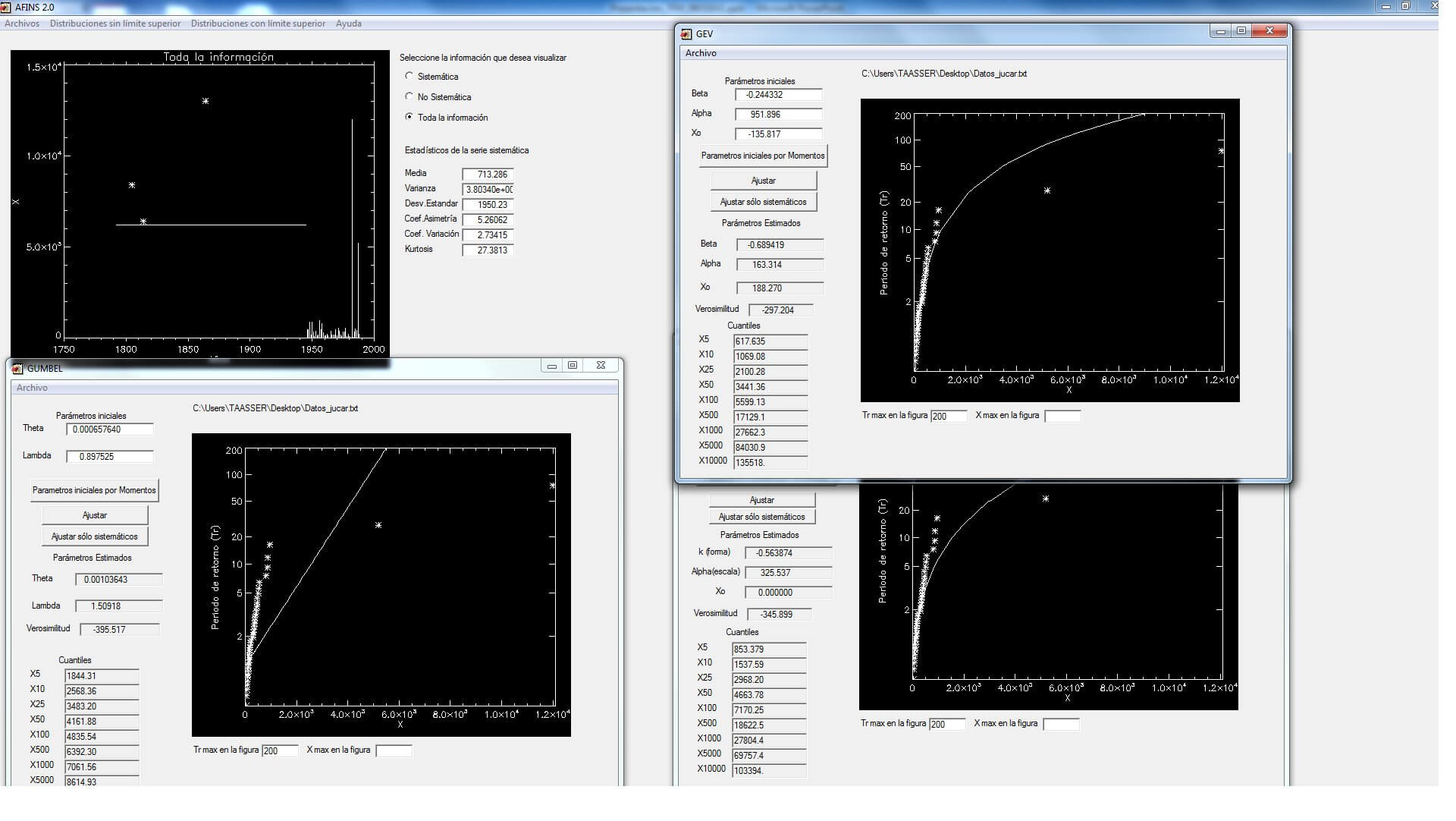
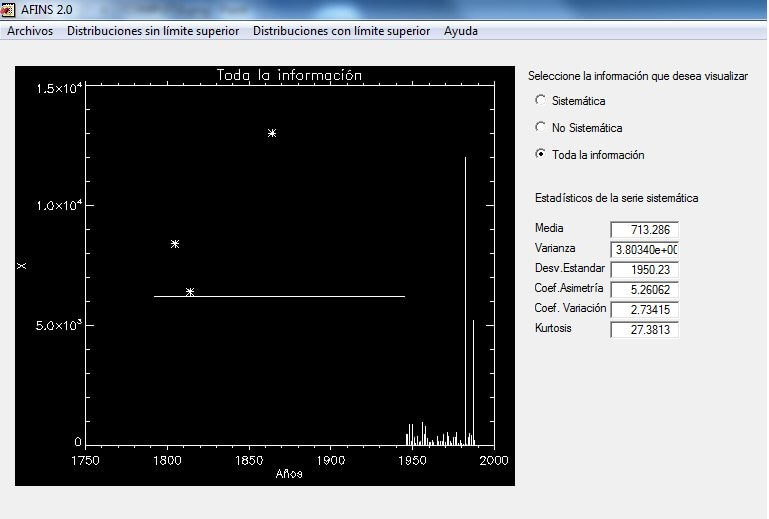
AFINS_2.0 is a program for the analysis of hydrological extreme frequencies (flow or rain). It uses systematic information (measured without any statistical censorship) and / or non-systematic (with statistical censorship).
Characteristics
The cumulative probability distribution functions that can be used with AFINS are:
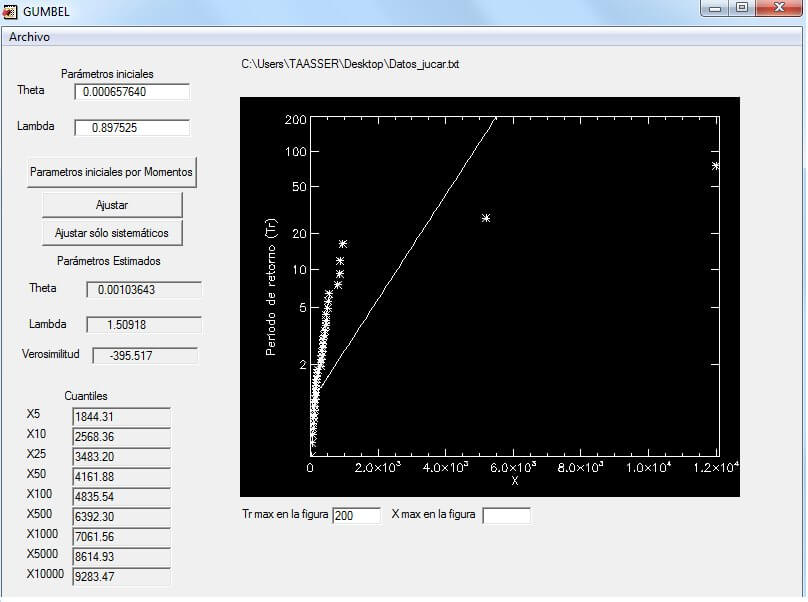
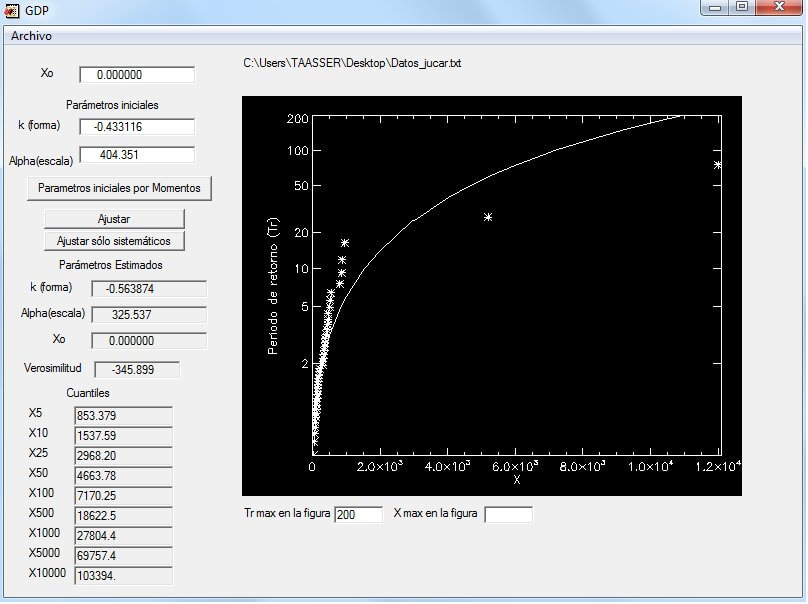
- No upper limit: Exponential, LogNormal 2 parameters, Gumbel, Pareto 3 parameters, GEV, TCEV and SQRT-ETmax.
- With upper limit: EV4, LN4 and TDF.
The estimation method is Maximum Likelihood, but it is able to estimate the parameters by the method of Moments.
The observed data can be: exact, with lower limit, with upper limit or with double limit.
Images
Aditional Information
AFINS_2.0 is developed under IDL and can be run using IDL Virtual Machine 6.1. The latter is a tool distributed free of charge by RSI (Research System Inc) that allows running programs built under IDL 6.1 without the need for a license. To run AFINS_2.0, you need to have IDL Virtual Machine 6.1 installed on your PC, which can be downloaded from the website: www.rsinc.com.
The first step to start using the program is to load the series of data to be analyzed. Within AFINS_2.0, in the File/Open menu, select the file where your data is located. This data must be in a specific format to be used with this program. The file Datos_jucar_ejemplo.txt is an example of a file formatted as required by AFINS_2.0.
The data will be drawn in the same window. Once you have loaded your data, in the fdp menu, you can choose the probability distribution function you want to fit to your data.
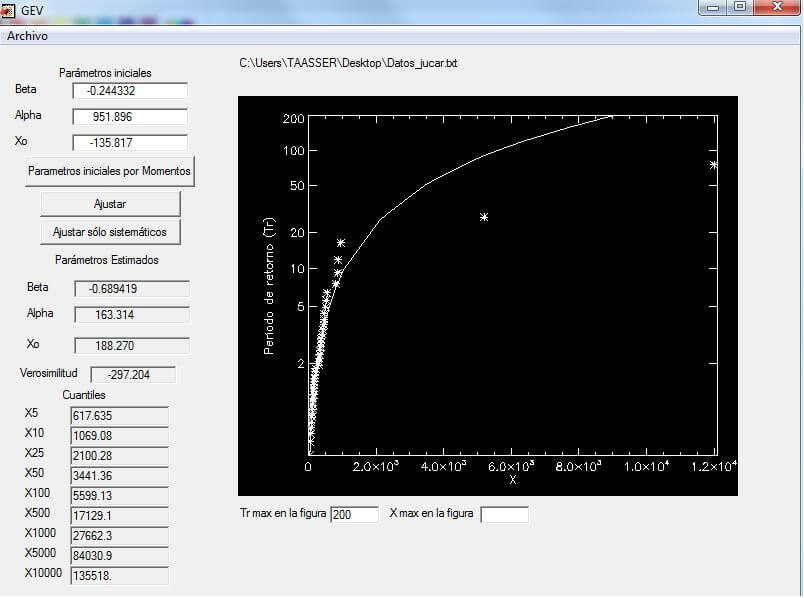
Each probability function will open in a specific window. In the selected function window, you must enter the initial parameters for the program to start searching for optimal parameters. The estimation of optimal parameters is performed using the maximum likelihood method. The result provided by the program as the likelihood of each fit is the minimum of the negative log-likelihood function. Some functions offer the option to obtain the initial parameters by the method of moments, except for the TCEV function, for which only the parameters µ1 and λ1 are obtained by this method; the other two remaining parameters are calculated as a fraction of those obtained by moments. If the initial parameters are known in advance, they can also be entered manually.
After obtaining the initial parameters, click on the adjust1 button if your data has any type of non-systematic information, or click on adjust only systematic if, as the button indicates, your data is only systematic. This may take a few seconds; please wait while the results are displayed in the window. If it takes too long, it means the algorithm has not found a solution, so you should close the function window and open it again, trying different initial parameters.
Once the adjustment is made, if you wish to save your results, in the file menu of each function window, you will find two options: Save Results, which creates a text file (.txt) with the quantiles and parameters, and Save Figure, which stores the adjustment made in a file (.eps).
Download

Our social media